 AetherMesh
Install AetherMesh on your node
Pick your device, choose a version, and install it over USB. Everything happens in your browser, and every build is checked against its published SHA-256 first.
- 1Choose your device
- 2Choose firmware
- 3Install
1
Choose your device
Connect one board at a time with a USB cable that carries data.
HeltecESP32-S3
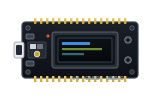
HeltecESP32-S3
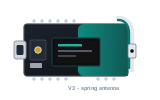
RAKnRF52840
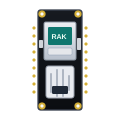
RAKnRF52840
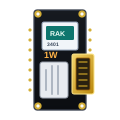
RAKnRF52840
LILYGOnRF52840
SeeednRF52840 + LR1110
LILYGOESP32-S3
ElecrowESP32-S3
2
Choose firmware
Stable builds are tested on hardware. Beta builds carry the newest fixes.
Every build is verified against a published SHA-256 before it is written to your board.
or use a file from your computer
Browse or drop a file here
A
-usb.bin image, not the -ota.bin oneAdvanced
3
Install
Your browser will ask which serial port to use.
When it finishes, press RST once to start the new firmware.
Console
Install progress, or live output from your node in Serial monitor.
Nothing yet. Output appears here while installing.
Before you start
- Use Chrome, Edge or Opera on a computer.
- Use a USB cable that carries data, not a charge-only one.
- Close other serial tools such as the Arduino IDE.
The board won't connect
Put it into download mode: hold PRG (or BOOT), tap RST, release PRG, then try again.
AetherMesh for Android
Chat, see your nodes on a map, and update firmware over Bluetooth.